Realitis Reveal Real estate photo enhancement
Reveal the room. Keep the view.
Import the whole shoot in one go. The Studio distinguishes stills, panoramas and floor plans, suggests room names and groups compatible exposures. In a backlit living room, HDR can show both the texture of a sofa and the trees beyond the window. You choose the image the seller will see.

Automatic recognition
Drop in the shoot. Find every room.
Back from a shoot, who wants to open IMG_4107, then IMG_4110, just to find the living room? The Studio reads formats and orientation, suggests room names and brings together shots of the same scene. Go straight to the views worth keeping.
Interactive example from Lucarne Studio. Recognition is being introduced gradually on Realitis. Three exposures are illustrated using one photo.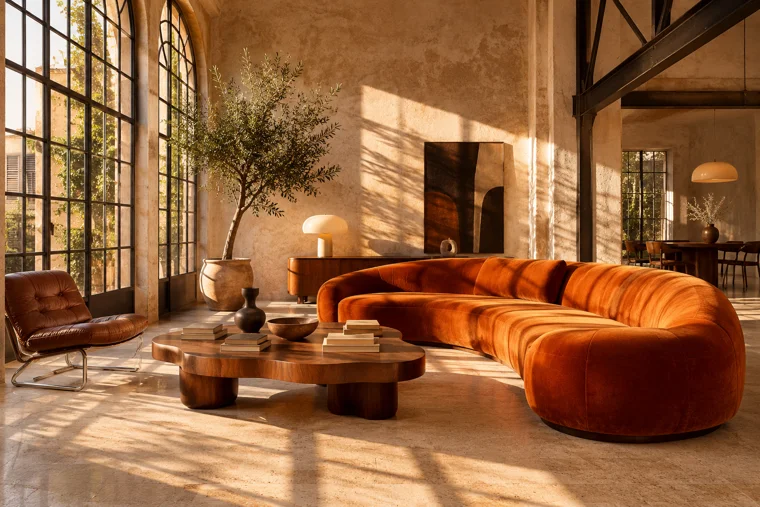 DSC_7843.JPG
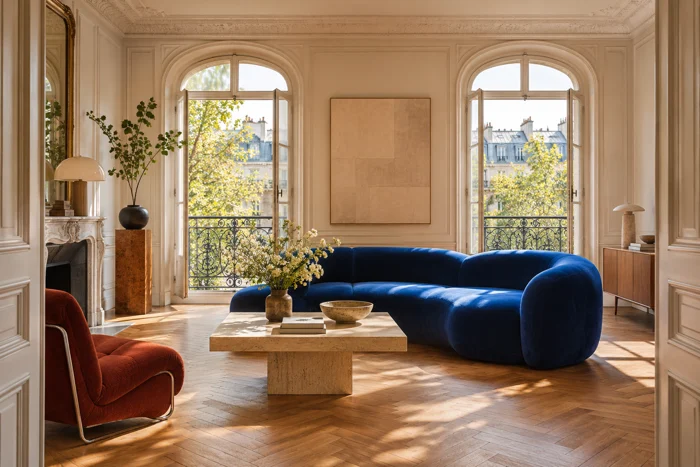 IMG_4107.JPG
- IMG_2308.JPG
- DSC_7842.JPG
- SCAN_0168.PDF
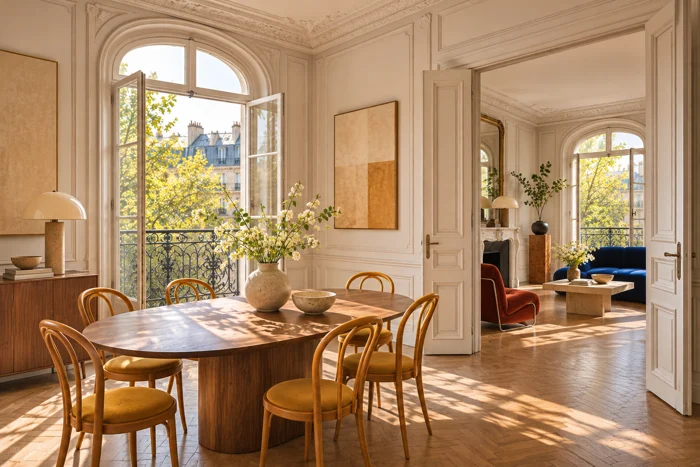 IMG_4110.JPG
- DSC_7844.JPG
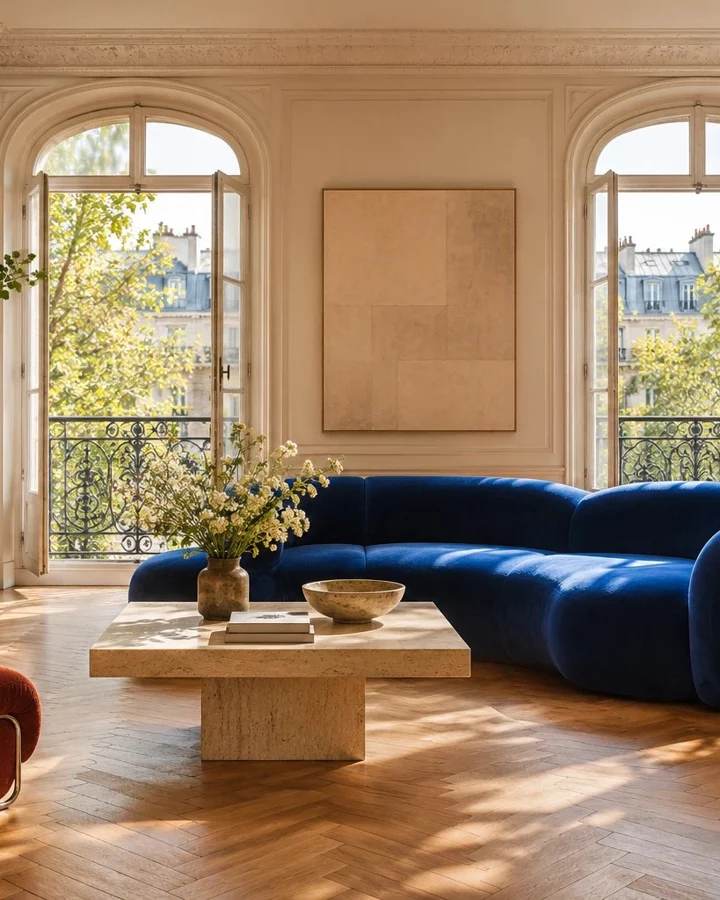 IMG_4108.JPG
- IMG_4094.PNG
02 / HDR
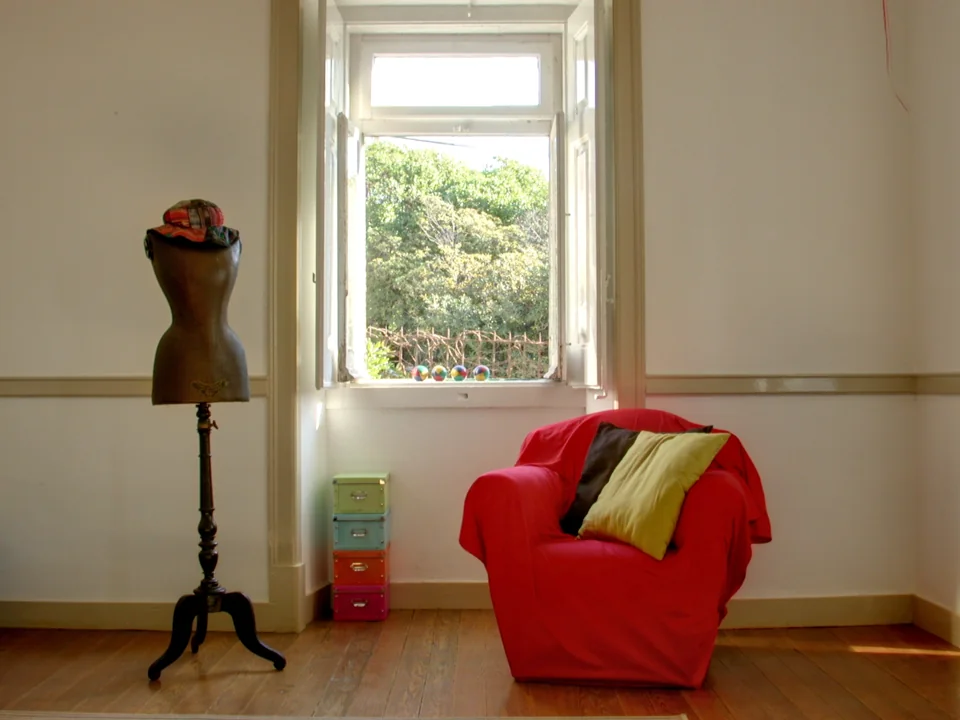
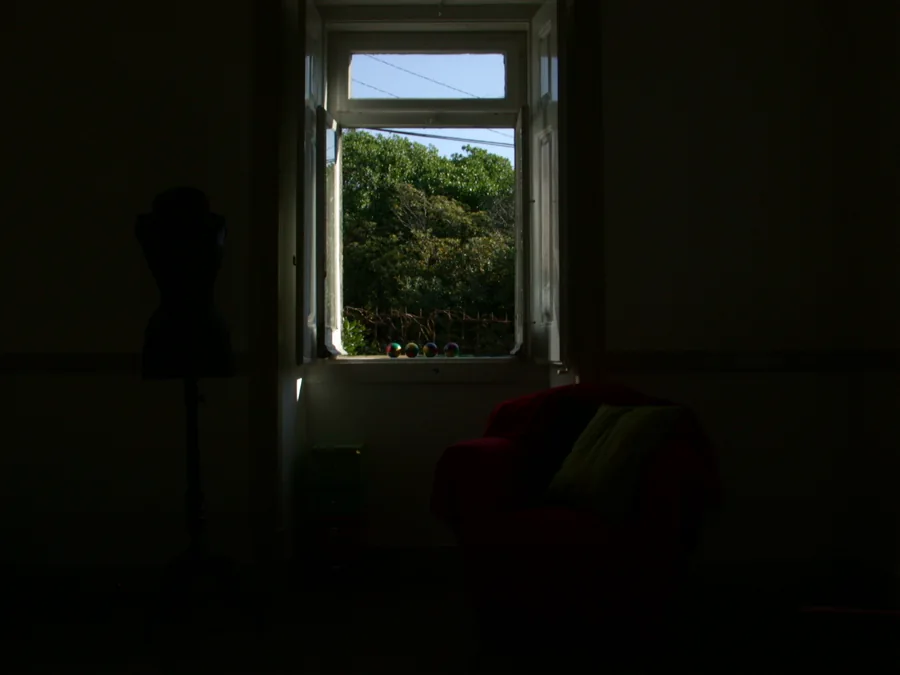
One image for the armchair and the trees outside.
In the short exposure, the leaves are clear and the armchair falls into shadow. In the long exposure, you can see the fabric but the window goes white. Pick a frame and drag the divider to compare it with the four-shot merge.
Credits and original images
Photographs by Axel Jacobs / WebHDR. Merged by the Lucarne Studio HDR engine. Previews have been resized. Sources and derivatives licensed under CC BY-SA 2.0. Original exposure series
The Studio finds the bracket
It looks for groups of three to seven exposures of the same scene taken close together and combines their detail. The result sits beside the originals, ready for review.
Only have one photo?
The Studio can develop a single image. Keep the original for comparison. When a bright window dominates the scene, shooting a bracket also captures details that a single exposure may lose.
Download the Studio result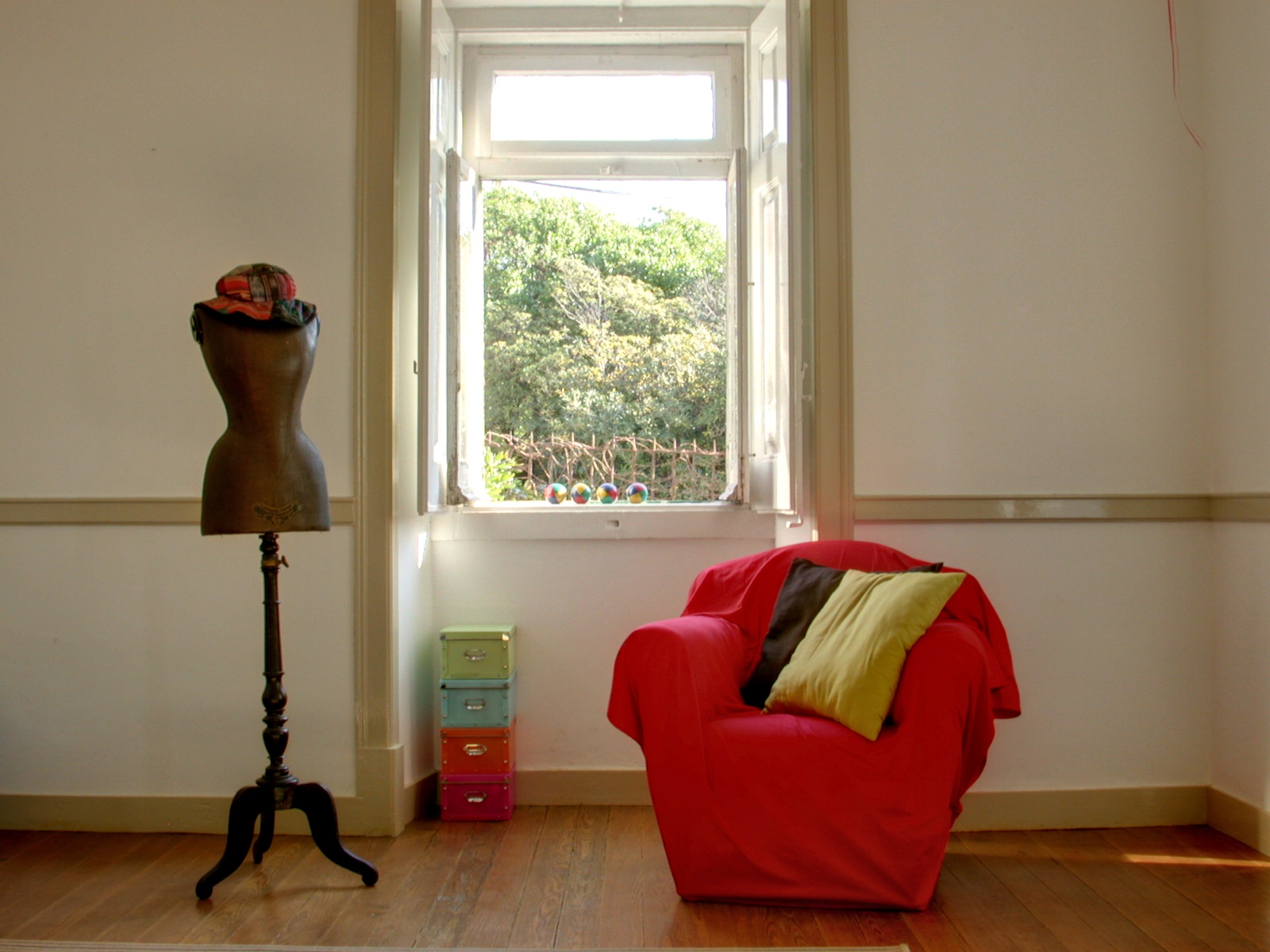
The presentation workshop
Show the living room. Then show its potential.
A sofa can hide how deep a room is. Keep the seller’s original photo, reveal the empty space, then explore a look that helps buyers picture their own furniture.
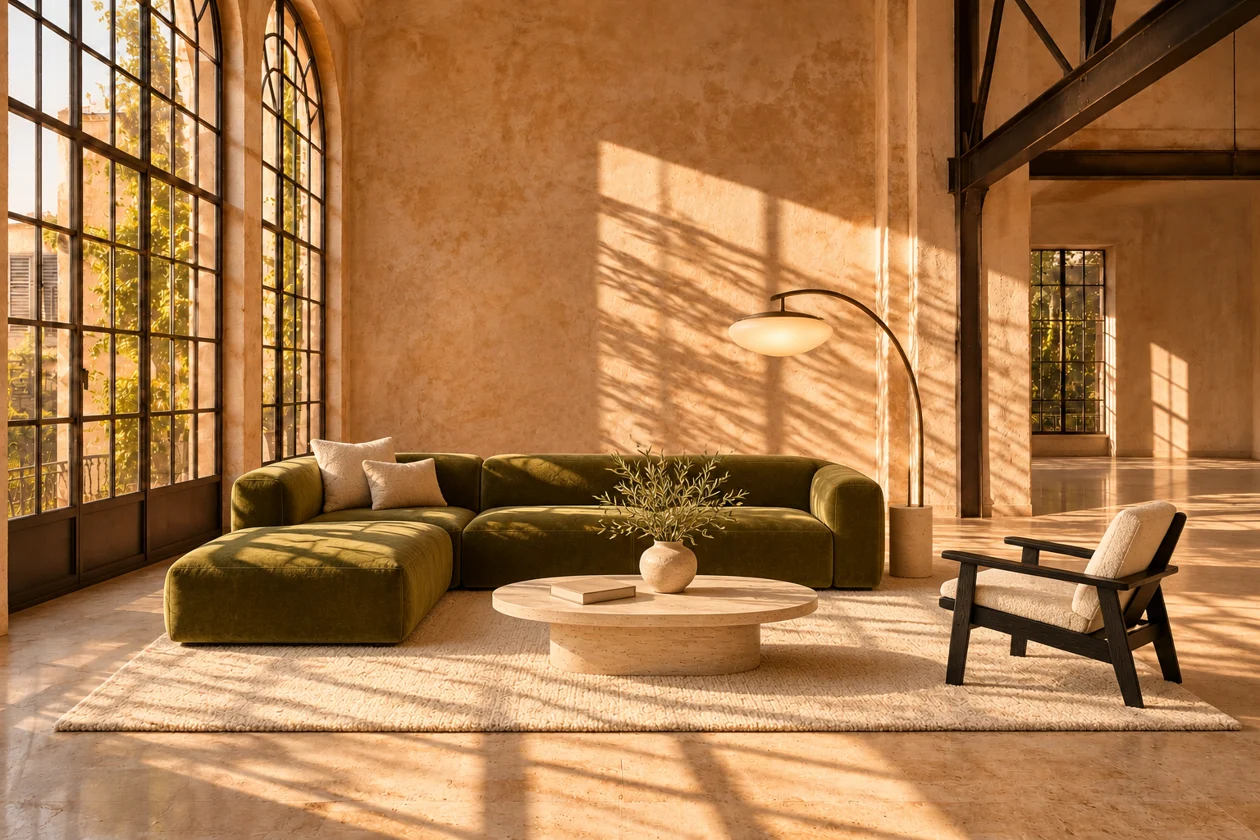
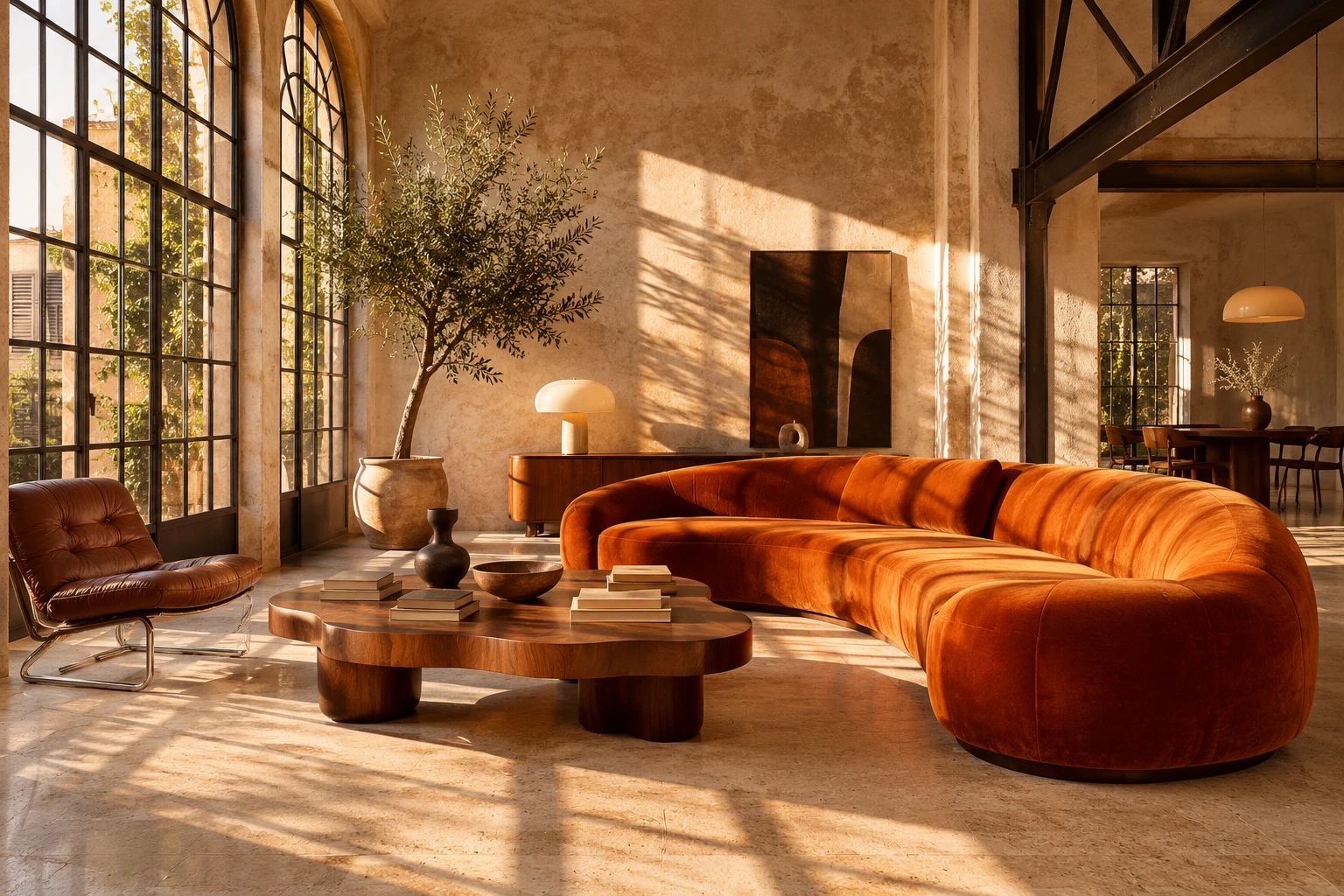
Low seating and an armchair open up the sightline. In the Studio, choose a style for the room, compare the options and pick the version to show the seller.
What would you like to work on?
Choose a goal to explore eleven editing tools. The functions documented in Lucarne Studio are being introduced on Realitis in stages.
A stray object or a large piece of furniture can dominate the frame. Work on the affected part of a copy of the photograph.
- Erase a selected objectTested in the Studio
- Empty a roomTested in the Studio
- Tidy and declutterUnder evaluation
- Clean up an interior imageUnder evaluation
A courtyard, façade or terrace may be a buyer’s first impression. Choose an edit that respects what is already there.
- Clean up an exterior imageUnder evaluation
- Refresh an existing lawnTested in the Studio
- Enhance an existing poolUnder evaluation
- Freshen up the façadeUnder evaluation
Show what a room in need of work could become. Put the proposed look beside the current condition so buyers know what they will visit.
- Try wall and floor finishesTested in the Studio
- Furnish an empty roomUnder evaluation
- Style an existing terraceTested in the Studio
Put your name on the finished shoot.
Keep the approved images consistent. Open each step to see what you can control before sharing them.
Download all five JPEGsZIP01Set the look
Start with Naturel, HDR, Crispy or Waouh. Refine brightness, shadows, highlights, contrast, clarity, saturation and vibrance. Inspect details with the magnifier, keep the original, accept an edit or leave a decision for later.
02Inspect and protect
Blur several areas to protect faces or family photographs. Sky masking and intensity controls are under evaluation. Vertical straightening is being tested in the architectural lab.
03Brand the full selection
Select the approved views. Preview a logo, label or repeating watermark, adjust its position and opacity, then apply it to the batch. Add a badge for an exclusive listing or one under offer.
04Deliver five crops
One approved photo becomes a square, two portrait crops, a vertical and a landscape. Download the five JPEGs from the Monceau example to inspect the framing on your own screen.
REALITIS REVEAL
What will you show your next seller?
Start a property folder, preserve your originals and prepare a set of photographs to share with the owner.
Early access to Realitis includes photo correction and five export crops. Recognition, HDR merging and advanced tools are demonstrated from Lucarne Studio. These features are being opened to Realitis subscribers in stages.