What to prepare
For an immersive tour, prepare a 360° panorama at each viewpoint. Name the rooms and identify the doors or passages that connect them.
Help buyers understand a property's layout before travelling. A guided walkthrough can also give a remote conversation a shared point of reference.
For an immersive tour, prepare a 360° panorama at each viewpoint. Name the rooms and identify the doors or passages that connect them.
A route between viewpoints. The Monceau example demonstrates the navigation with two still photos. A full 360° experience uses panoramas of the actual property.
On a guided video call, pause near a doorway to answer a question. The buyer can revisit that room before arranging an in-person appointment.
The photos are ready. Explore how the Monceau apartment becomes a listing presentation, a property film and a social carousel to share with buyers.
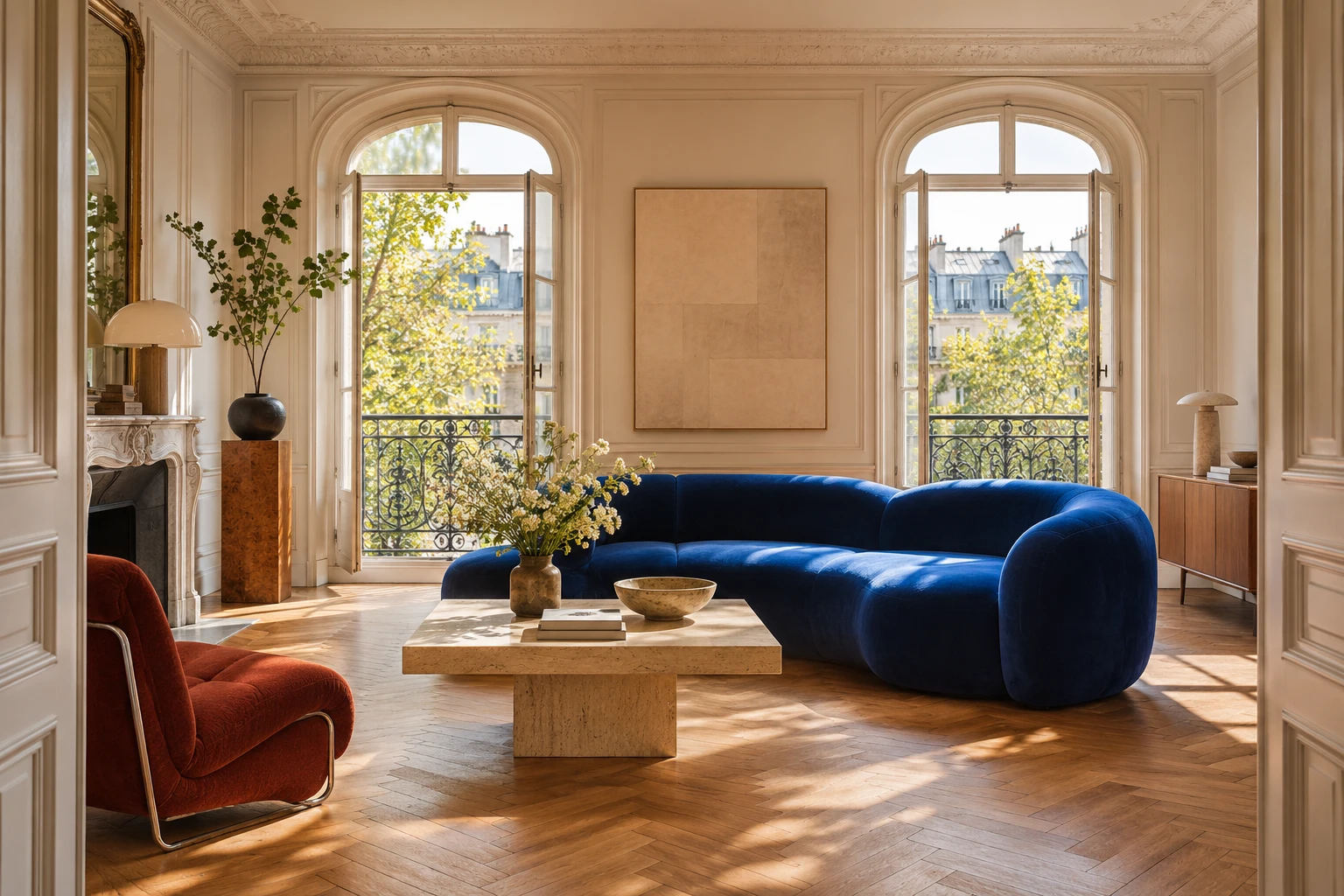 View 01/02 · Living room
Move between two viewpoints in this example. In the Studio, 360° panoramas can be assembled into a virtual tour and presented on a guided video call.
Explore the plansThey can support an illustrated walkthrough. Looking in every direction from a single point requires a suitable panorama.